LightUp — AI Explanations Without Leaving the Page
Highlight any text for instant explanations, summaries, and translations. Free Chrome extension with optional local LLMs for privacy and offline use.


Genius Annotations for Every Text on the Web
LightUp is a browser extension that takes your web experience to the next level. Highlight any text, and with a simple prompt, get instant explanations, summaries, analyses, translations, or whatever action you want—delivered right on the page, on the fly.
Unlike many tools out there, LightUp stands out by letting you use your own local LLM. This means better privacy—no data sent to the cloud—and it works offline, even when there's no connectivity. No other tool gives you this level of control and security.
Whether you're tackling dense articles, technical documents, or just exploring, LightUp keeps things smooth and tailored to you. Prompt the LLM however you like to get exactly the results you need, fast. Plus, it's free—just bring your own API key or local LLM. If you don't have either, you can still enjoy free daily use!
With LightUp, you're in charge of your insights, your privacy, and your workflow.
Meticulously Crafted Design
Our design philosophy focuses on attention to detail and user experience. Each element is thoughtfully placed to enhance usability while maintaining aesthetic appeal.
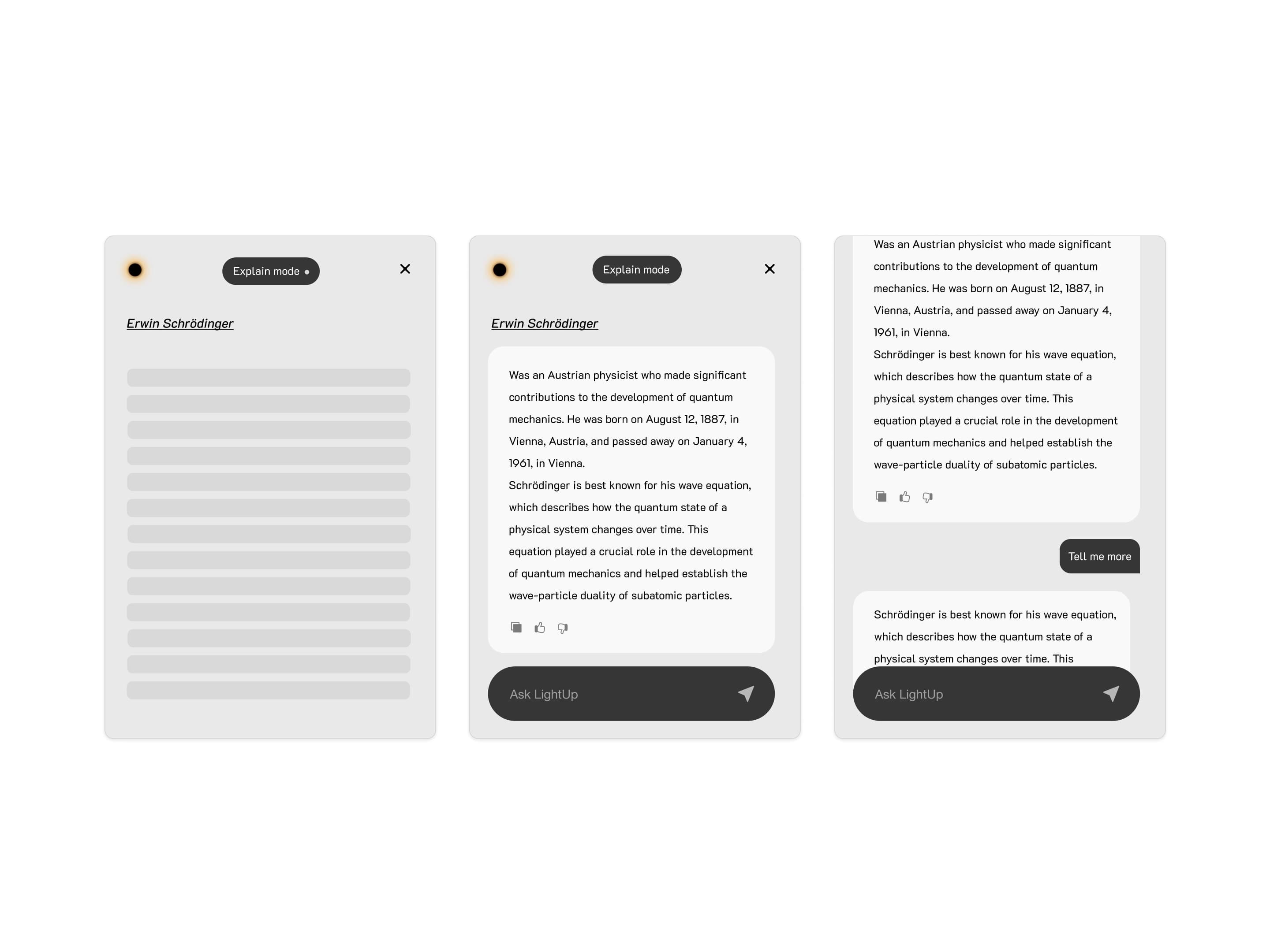
Designed to be used and not just for show
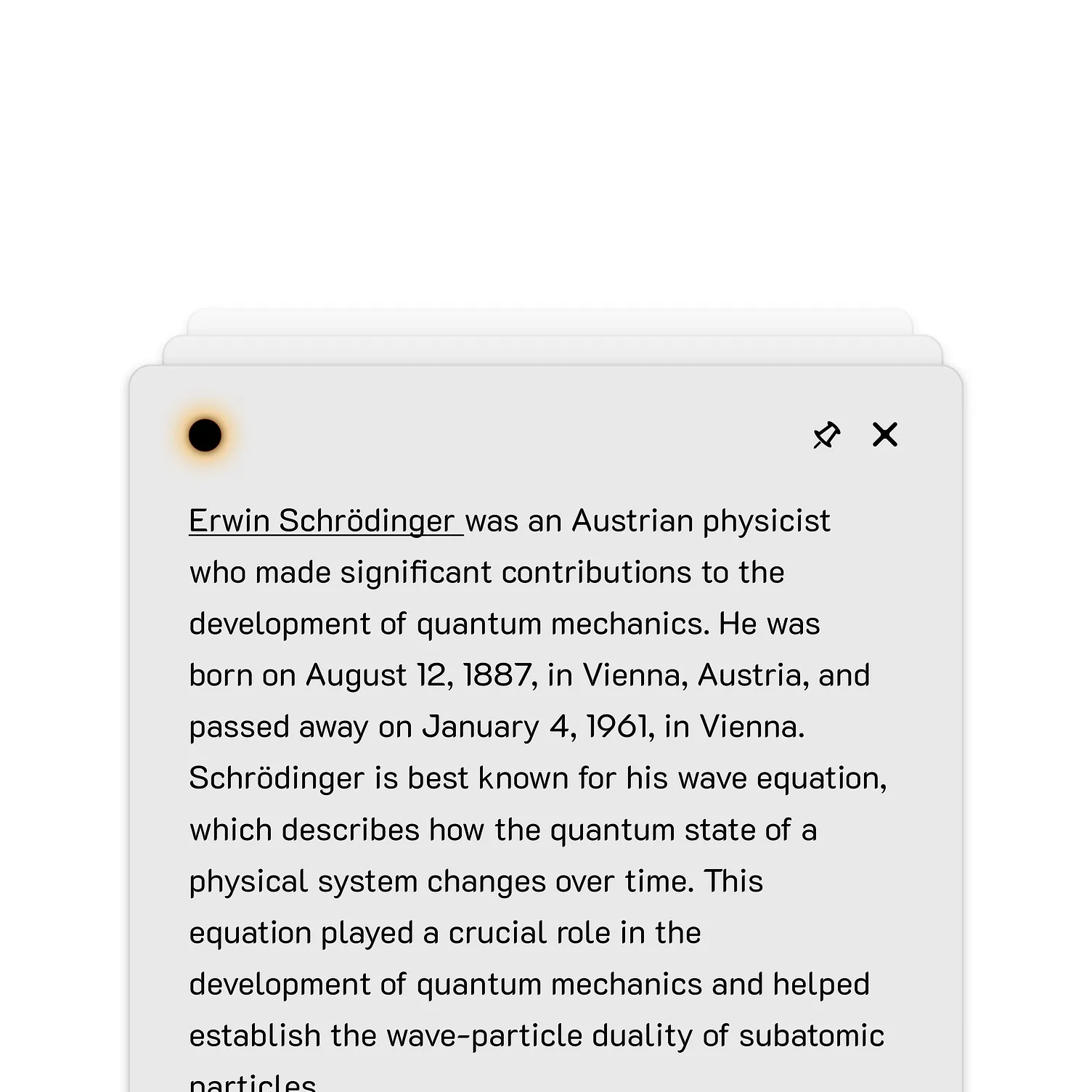
It's more than just interactive elements

Every component is designed to be used
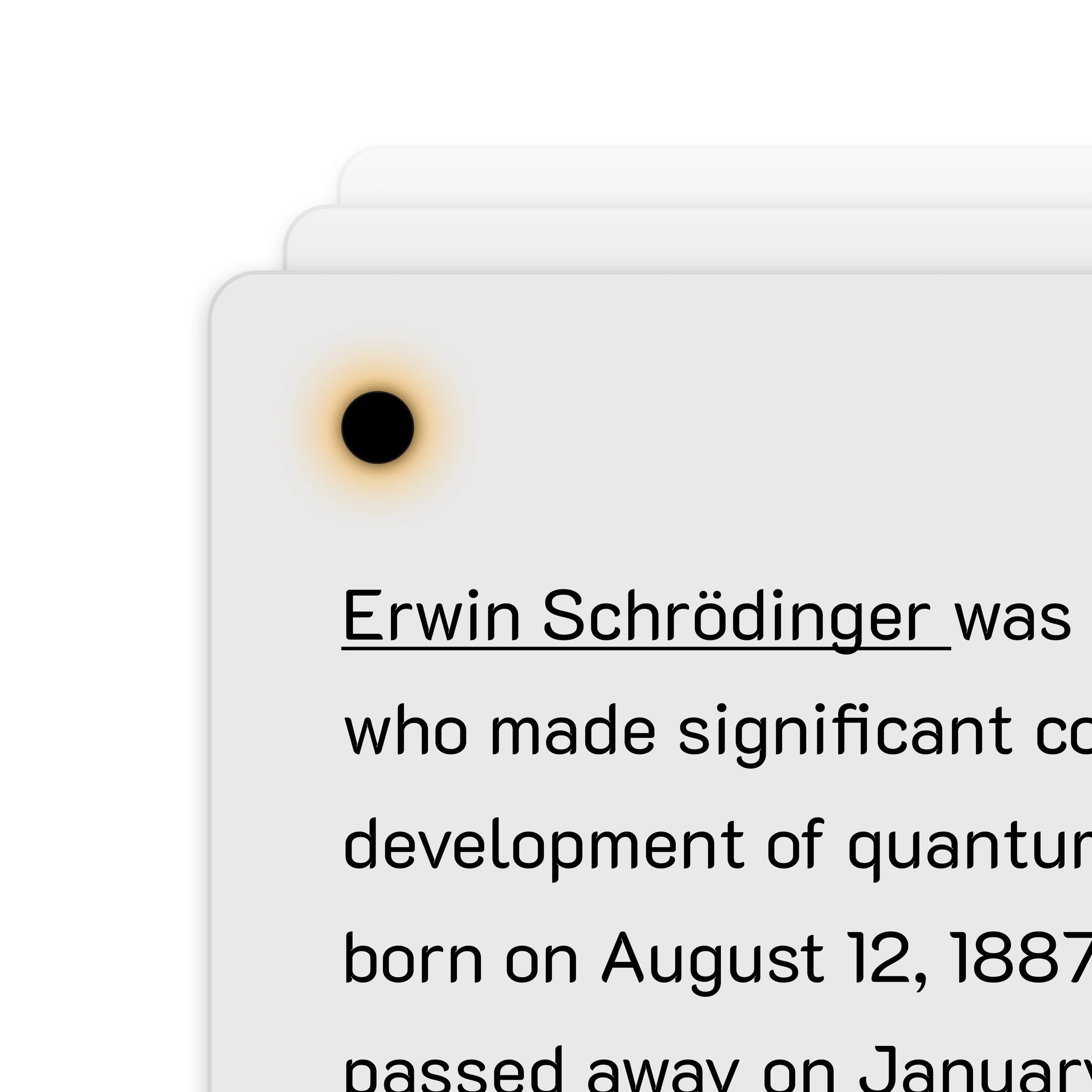
Attention to detail
Even your mistakes looks beautiful
A browser extension that keeps you in the zone
Provides instant explanations and expands your knowledge - simply by selecting any text on the web.
Core Features
Advanced Capabilities
Technical Benefits
Experience Lightup in Motion
Explore our collection of videos showcasing Lightup's powerful features and capabilities.
Keyboard Shortcuts + Text-to-Speech
A tool that anticipates your next move. Powered by Zeta, our new open-source, open-data language model.
Centered Layout Mode
Experience a brand-new, full-screen modal overlay for an immersive interface.
Mini bar
A compact, floating bar for quick actions and navigation.
Support for Dark mode and Light mode
A dark mode and light mode for a more comfortable experience.
Persistent Text Highlighting + Enhanced Loading Animations
Your highlights persist as you navigate.
Clean UI
A clean, modern interface that is easy to use.
Side Bar
A side bar for quick actions and navigation, enhancing user efficiency.
What Users Are Saying
Thank you for your amazing extension! It does a really great job.
I've been using Lightup for a week now, and honestly, I'm impressed. The interface is clean and intuitive. Just select text and let the AI magic happen.
Extremely intuitive and exactly what I needed for my research. The ability to analyze text without leaving the page is game-changing.
Frequently Asked Questions
What is Lightup?
Lightup is an open-source Chrome extension that provides AI-powered annotations for selected text. It offers explanations, summaries, analyses, and translations without requiring users to switch tabs, preserving workflow focus.
How do I install Lightup?
Installation is quick and easy. Download from Chrome Web Store or GitHub releases, install the extension to your toolbar, set your preferred AI model and API keys in Settings, start using by selecting text on any web page, and enjoy 20 free daily actions without needing to provide API keys.
Is Lightup secure?
Yes. LightUp does not collect your browsing history, and you can run models locally so selected text never has to leave your device. Bring your own API keys when you use cloud models.
Is Lightup free?
Free forever for individual use with community models. Enterprise plans include Gemini/Grok access and priority support. Bring your own API keys for premium models.
How is LightUp different from ChatGPT?
ChatGPT is a chat workspace. LightUp is an on-page Chrome extension: highlight text on any website for explanations, summaries, or translations without switching tabs. Compare them in detail on our LightUp vs ChatGPT guide. Read LightUp vs ChatGPT.
Transform Your Web Experience
Enjoy instant AI-powered insights seamlessly integrated into your browser, eliminating the need to switch context.
Available on
Free • No login required
%2520copy.png&w=3840&q=85)